
Prerequisites
- You have a Shopify store with Layers installed.
- You have access to your Shopify admin.
Create a crawler signature in Shopify
- In your Shopify admin, go to Online Store → Preferences.
- Follow Shopify’s guide to create a crawler signature.
-
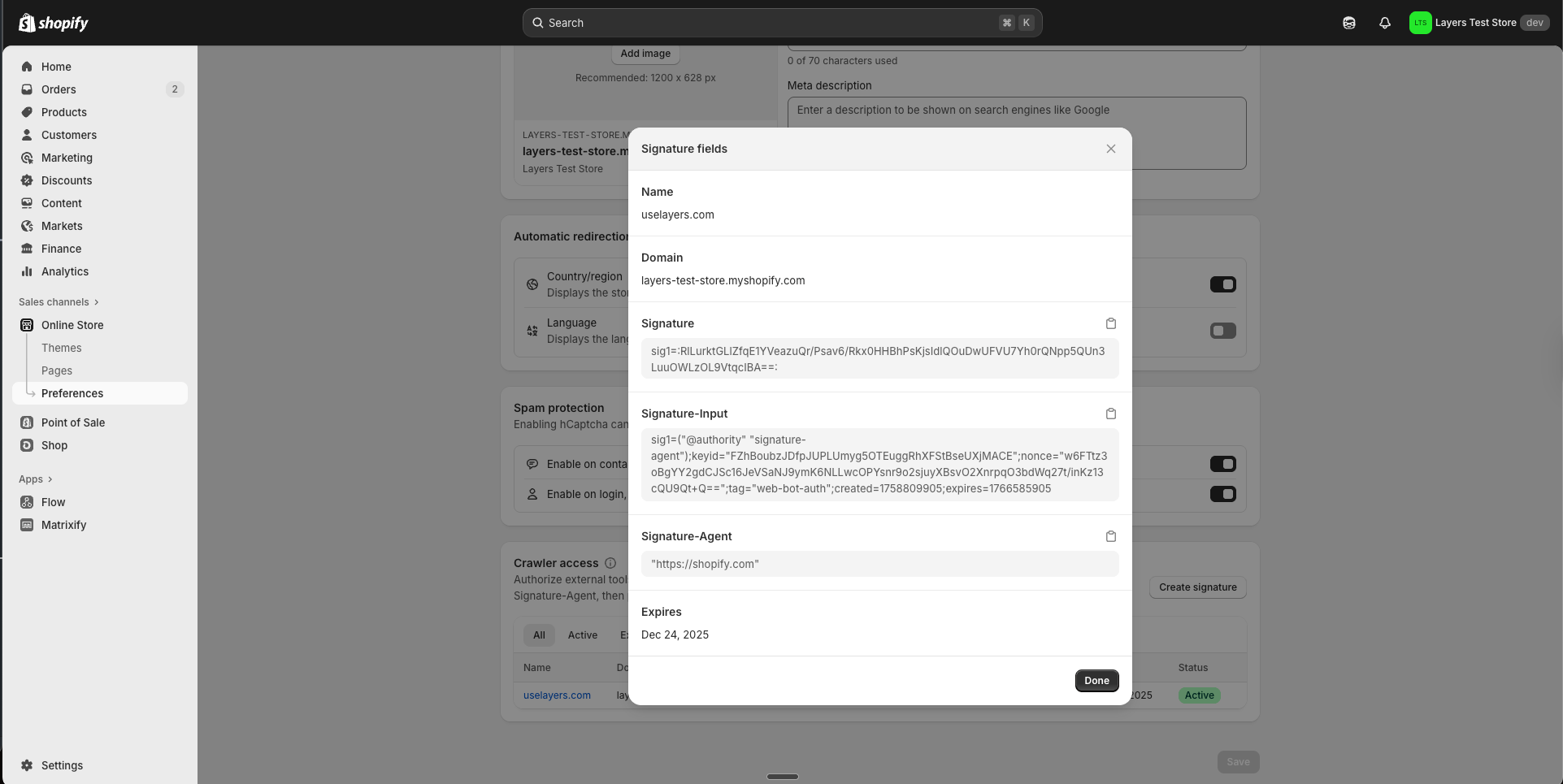
Copy the following values:
- Your Signature-Input value
- Your Signature value
Send the values to Customer Care
Send the Signature-Input and Signature values to Customer Care. The team configures these in your store settings so Layers can authenticate its image requests.Next steps
- Continue to Exporting search data to seed your store with search analytics.
- Learn more about how crawler signatures work in Crawler signatures.